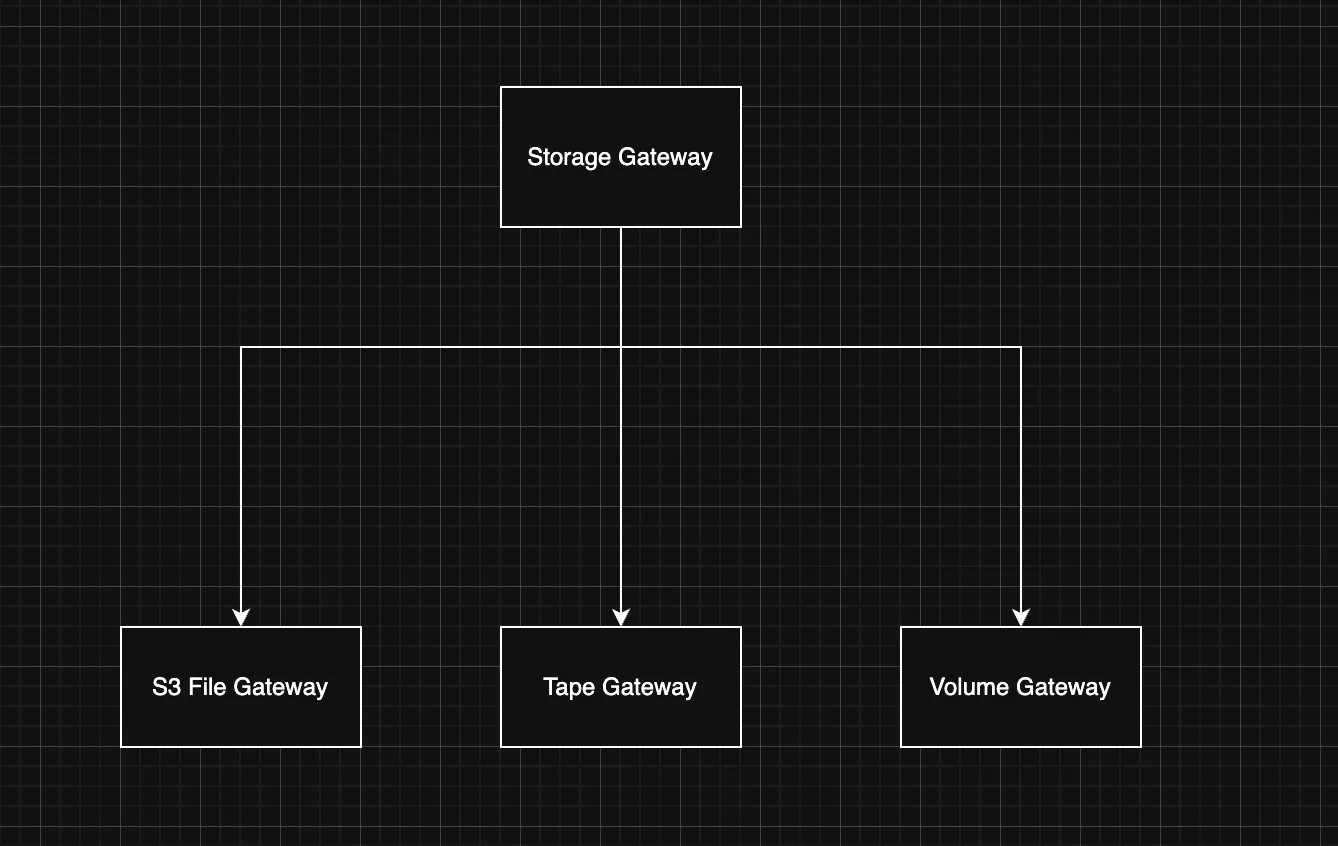
| File Gateway | Volume Gateway | Tape Gateway | |
|---|---|---|---|
| Interface presented | File share | Block storage volume | Virtual tape library (VTL) |
| Protocol | NFS and SMB | iSCSI | iSCSI |
| How AWS stores it | Files as objects in S3 | Snapshots in S3 (block data) | Virtual tapes in S3, archived to S3 Glacier tiers |
| Sub-types / modes | S3 File Gateway, FSx File Gateway | Cached volumes, Stored volumes | (single type) |
| Primary use case | File-based workloads, sharing data that should also live in S3 as objects | Database/app storage needing block access; on-prem volumes backed up to cloud | Replacing physical tape for backup and long-term archival |
| How your app sees it | Mounted file share (folders and files) | A raw disk / SAN volume | A physical tape library |
Amazon S3 File Gateway
- Store and access objects in Amazon S3 from NFS or SMB file data with local caching
Overview
Amazon S3 File Gateway seamlessly connects on-premises applications to the cloud to store and access archive repositories, application data, and database backups as durable objects in Amazon S3.
S3 File Gateway is used for on-premises data intensive applications that need file protocol access to objects in S3.
For online data migrations, you can use AWS DataSync.
Benefits
- Local storage provides low latency access to recently used data.
- Maintain standard storage protocols, enabling translation between file and object with a one-to-one mapping rather than proprietary formats.
- Optimize data transfers to and from Amazon S3 and reduce egress charges.
- Meet security and compliance requirements with audit logs and encryption in transit and at rest.
Tape Gateway
- It’s specifically designed to replace physical tape infrastructure with cloud-based storage.
The basic idea
Many organizations have long used physical tape libraries for backup and long-term archival. Tape Gateway lets you keep using your existing backup software and workflows, but instead of writing to physical tapes, you write to “virtual tapes” that are stored in AWS. The gateway presents itself to your backup application as a standard tape library, so the backup software thinks it’s talking to real tape hardware.
How it works
Tape Gateway emulates an industry-standard tape library (a Virtual Tape Library, or VTL) over the iSCSI protocol. Your existing backup applications, like Veeam, Veritas NetBackup, Commvault, or Microsoft’s backup tools, connect to it the same way they’d connect to a physical tape library. They write virtual tapes, eject them, and manage them through the same interface they already use. Behind the scenes, the data is stored in AWS:
- Virtual tapes that you’re actively using are stored in Amazon S3.
- When you “eject” or archive a tape (the equivalent of moving a physical tape to off-site storage), it gets moved to archival storage backed by S3 Glacier Flexible Retrieval or S3 Glacier Deep Archive, which are much cheaper for long-term retention.
When you need to recover data, you retrieve the virtual tape from the archive back into the gateway, and your backup software reads from it as normal. Retrieval from Glacier tiers takes some time (hours, depending on the tier and retrieval option), just as retrieving a physical off-site tape would take time.
The gateway itself
The Storage Gateway runs as a virtual machine appliance on-premises (on VMware ESXi, Microsoft Hyper-V, or Linux KVM), or as a hardware appliance, or on an EC2 instance. It maintains a local cache so that recently written data is available quickly while it’s being uploaded to AWS in the background.
Volume Gateway
Overview
Volume Gateway presents cloud-backed iSCSI block storage volumes to your on-premises applications. Volume Gateway stores and manages on-premises data in Amazon S3 on your behalf and operates in either cache mode or stored mode. In the cached Volume Gateway mode, your primary data is stored in Amazon S3, while retaining your frequently accessed data locally in the cache for low latency access. In the stored Volume Gateway mode, your primary data is stored locally and your entire dataset is available for low latency access on premises while also asynchronously getting backed up to Amazon S3. In either mode, you can take point-in-time copies of your volumes using AWS Backup, which are stored in AWS as Amazon EBS snapshots. Using Amazon EBS Snapshots enables you to make space-efficient versioned copies of your volumes for data protection, recovery, migration, and various other copy data needs.
How it works

- Volume Gateway offers cloud-backed storage to your on-premises applications using industry standard iSCSI connectivity. You don’t need to rewrite your on-premises applications to use cloud storage. You can deploy Volume Gateway as a virtual machine or on the Storage Gateway Hardware Appliance at your premises.
- Volume Gateway maintains on-premises either a cache of recently accessed data, or a full volume copy, so your applications get the benefit of fast access to data. Concurrently, all of your volume data is compressed and stored durably and cost-effectively in AWS, with petabyte scalability.
- With Amazon EBS snapshots, Storage Gateway volume clones, and AWS Backup, you have several options to restore the application data stored in your volumes - back to the existing Volume Gateway onsite, to EBS for recovery of your application into EC2, or even to a new Volume Gateway running at another on-premises location.
